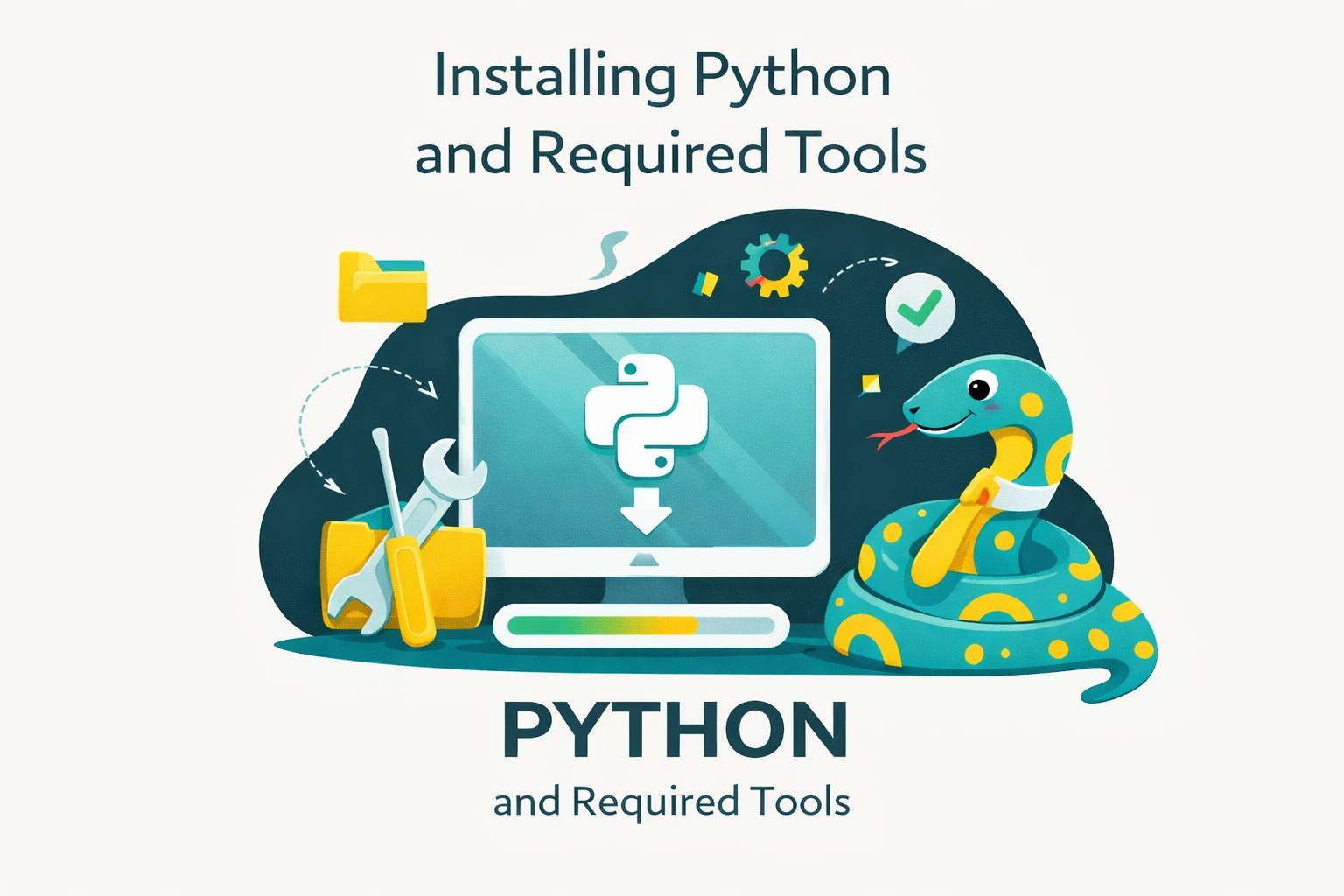
Python is a popular programming language widely used in artificial intelligence, data analysis, web development, and automation. Its strength lies in its simple, easy-to-learn syntax, making it suitable for both beginners and professional developers. Before diving into programming, the most important step is to properly install Python and set up the necessary tools. This article will guide you through the entire process in a clear and detailed manner.
1. Preparation Before Installation
Before getting started, you should check the following points:
- System Requirements
- Windows: Supported from Windows 7 and later.
- macOS: Version 10.9 and later.
- Linux: Most distributions support Python 3.
- Check if Python is Already Installed
- Open the terminal (macOS/Linux) or Command Prompt (Windows).
- Type the command:
python --version
python3 --versionIf the system displays a version, it means Python has already been installed. However, you may still need to update it.
3. Choose the Appropriate Version
- Visit the official Python.org website.
- Download the latest stable version (typically Python 3.x).
2. How to Install Python
2.1. On Windows
- Go to Python.org/downloads and select the Windows version.
- Run the downloaded
.exefile. - During installation:
- Check “Add Python to PATH”. This is a very important step that allows you to run Python directly from the Command Prompt.
- Choose Install Now for a quick installation, or Customize Installation if you want to adjust settings.
- After the installation is complete, open Command Prompt and type:
python --versionIf a Python version is displayed, it means the installation was successful.
2.2. On macOS
There are two main methods:
- Method 1: Install from Python.org
- Download the
.pkgfile, open it, and follow the on-screen instructions.
- Download the
- Method 2: Use Homebrew (recommended)
brew install pythonThen verify by running:
python3 --version2.3. On Linux
It depends on the distribution:
- Ubuntu/Debian
sudo apt update
sudo apt install python3- Fedora
sudo dnf install python3- CentOS
sudo yum install python33. Environment and Library Management
One of the major challenges when learning Python is managing multiple versions and libraries. To avoid “environment conflicts,” you need the following tools:
- Virtual Environment (venv)
Used to create an isolated environment for each project.
python3 -m venv myenv
source myenv/bin/activate   # Linux/macOS
myenv\Scripts\activate # Windows- Pip
Default library management tool. For example:
pip install requestsConda (Anaconda/Miniconda)
Used for data science, supporting both Python libraries and system packages.
Poetry/Pipenv
A modern tool for managing libraries and complex dependencies.
4. Essential Tools for Python Programming
- Code Editors / IDEs
- VS Code: Lightweight, with powerful extensions.
- PyCharm: A professional IDE, suitable for large projects.
- Jupyter Notebook: Ideal for learning and data analysis.
- Version Control Systems
- Git: An essential tool for developers.
- GitHub/GitLab/Bitbucket: Platforms for storing and sharing projects.
- Additional Tools
- Docker: Creates a consistent environment for projects.
- Postman: Used for API testing when working with web applications.
- Useful Extensions
- Pylance: Provides IntelliSense, offering fast and accurate code suggestions.
- Python (Microsoft): A basic plugin for running, debugging, and linting Python code.
5. Checking and Running Your First Python Program
After installation, try writing your first program:
- Create a file named helllo.py
print("Hello, Python!")Run the program:
- Open the terminal window and execute the command:
python hello.pyThe output displayed will be:
Hello, Python!Common Errors
- “Python is not recognized”: You forgot to check the PATH option during installation → Uninstall and reinstall Python.
- Version conflicts: Multiple Python versions are installed → Use
py -3(Windows) orpython3(Linux/macOS).
6. Tips for Getting Started with Python
- Organize your project structure clearly: separate folders such as
src,tests, andvenv. - Learn step by step: start with basic syntax, then move on to popular libraries like
requests,numpy, andpandas. - Join the community:
- Stack Overflow for Q&A.
- Python Vietnam Facebook groups.
- Attend meetups and events to learn more.
7. Conclusion
Installing Python and setting up the necessary tools is an important foundation for entering the world of programming. With just a few steps, you can create a stable development environment, run your first program, and be ready to learn more advanced concepts.
Remember: a well-prepared environment will save you a significant amount of time later. Therefore, be careful from the installation stage, choose the right tools, and begin your journey with Python.
8. References
- Python Software Foundation. (2025). Python official website. Retrieved September 26, 2025, from https://www.python.org/
- Python Software Foundation. (2025). Python 3 documentation. Retrieved September 26, 2025, from https://docs.python.org/3/
- Microsoft. (2025). Get started with Python in VS Code. Visual Studio Code documentation. Retrieved September 26, 2025, from https://code.visualstudio.com/docs/python/python-tutorial
- JetBrains. (2025). PyCharm: The Python IDE for professional developers. Retrieved September 26, 2025, from https://www.jetbrains.com/pycharm/
- Anaconda, Inc. (2025). Anaconda distribution. Retrieved September 26, 2025, from https://www.anaconda.com/
- Python Packaging Authority. (2025). pip documentation. Retrieved September 26, 2025, from https://pip.pypa.io/en/stable/
- Poetry Contributors. (2025). Poetry: Python dependency management and packaging. Retrieved September 26, 2025, from https://python-poetry.org/
- Docker, Inc. (2025). Docker official website. Retrieved September 26, 2025, from https://www.docker.com/
- Chacon, S., & Straub, B. (2021). Pro Git (2nd ed.). Apress. Retrieved from https://git-scm.com/
- GitHub, Inc. (2025). GitHub official website. Retrieved September 26, 2025, from
- Python for Professionals: Learning Python as a Second Language: https://www.kobo.com/us/en/ebook/python-for-professionals-3
- Python: Deeper Insights into Machine Learning: https://www.kobo.com/us/en/ebook/python-deeper-insights-into-machine-learning
- DataFusion Python Bindings in Practice: The Complete Guide for Developers and Engineers: https://www.kobo.com/us/en/ebook/datafusion-python-bindings-in-practice