What is Malware?

Understanding Malware: Types, Impacts, and System Protection Methods

In the current digital era, malware – also known as malicious software – has become one of the most common and complex threats facing both individuals and organizations. Malware is capable of infiltrating computer systems, mobile devices, and even cloud platforms, thereby stealing data, disrupting operations, or causing serious financial losses.

Read More
RAM CPU. GPU

What Are RAM, CPU, and GPU? A Guide to Choosing the Right Computer Configuration

RAM, CPU, and GPU are three key components that determine a computer’s overall performance. The CPU acts as the “brain,” processing instructions and managing tasks; RAM serves as temporary memory that enables fast data access for the CPU and supports multitasking; and the GPU specializes in graphics processing, 3D rendering, and intensive parallel workloads such as machine learning.

Read More
Computer viruses

Understanding Computer Viruses: Types, Operating Mechanisms, and Protection Measures

Computer viruses are malicious pieces of code capable of self-replication and spreading from one computer to another, often infiltrating systems silently without the user’s awareness. They can cause serious consequences, ranging from the loss of personal data and disruption of work to damaging network systems and inflicting financial losses on businesses.

Read More
SSD vs HDD

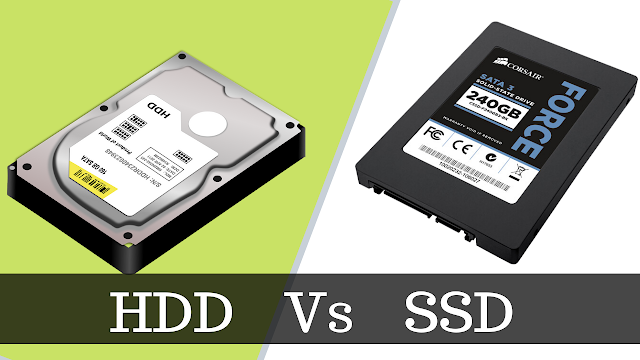
SSD vs HDD: Comparison, Advantages and Disadvantages, and How to Choose the Right Storage Drive

A storage device is a core component of a computer, responsible for storing all data, from the operating system and software to personal documents, images, videos, and other important files. It can be understood that if a computer is the “brain,” then the storage drive functions as its “memory,” allowing information to be stored securely and accessed quickly whenever needed.

Read More

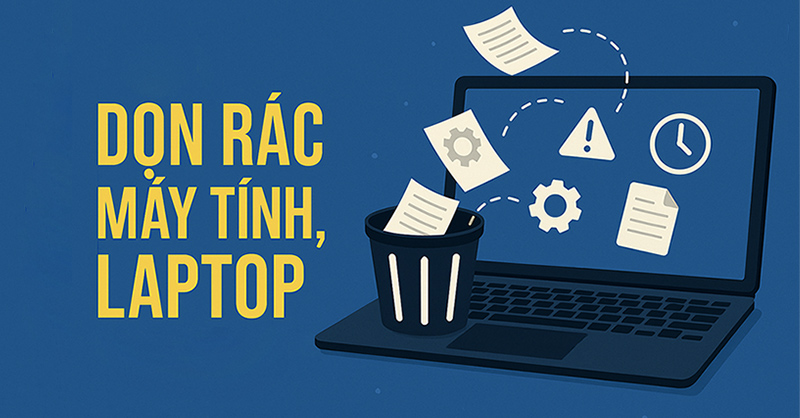
Secrets to Optimizing Computer Performance: 8 Cleanup Tips to Make Your Machine Run 50% Faster

Using a computer for a long time often leads to slow performance, full storage, or system errors. One of the main causes is the accumulation of junk files – including temporary files, caches, error logs, or unnecessary data from uninstalled software. Cleaning up junk files not only helps reclaim disk space but also improves the…

Read More