
The performance of a computer does not depend solely on brand or price, but rather on the balance between three core components: the CPU, GPU, and RAM. The CPU is responsible for logical processing, the GPU handles graphics and parallel computation, while RAM acts as the bridge between them, ensuring data can be accessed as quickly as possible.
In this article, we will take an in-depth look at RAM, CPU, and GPU – the role of each component – and how to choose the right configuration for different needs, ranging from programming and gaming to graphic design and machine learning (ML/AI).
1. CPU – Central Processing Unit
1.1 What Is a CPU?
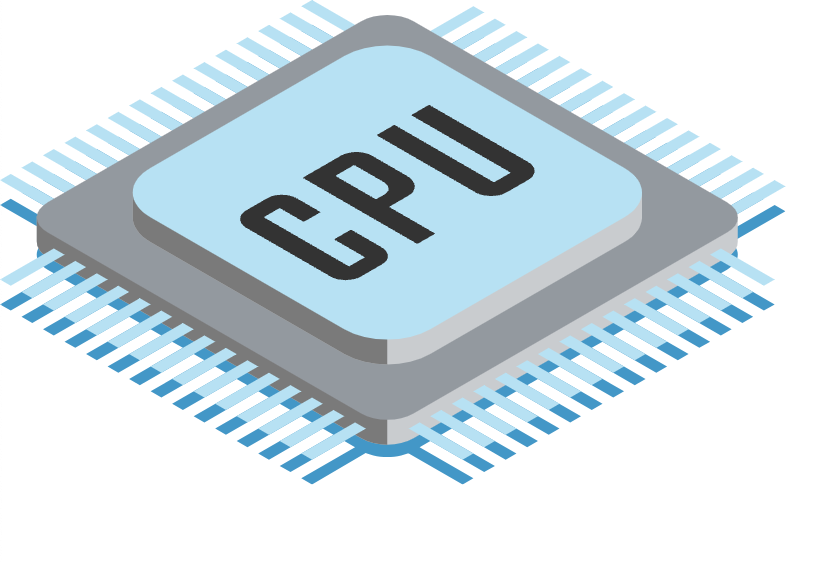
The CPU (Central Processing Unit) is the core processor of a computer, often referred to as the “brain.” It is responsible for executing instructions from software, ranging from basic tasks such as opening files and running a web browser to complex operations like compiling code, rendering 3D graphics, or running AI models.
You can think of the CPU as a manager in an office: it receives information from various departments (software, RAM, GPU, and others), makes decisions, and assigns tasks to different components to ensure that everything runs smoothly and efficiently.
1.2 The Role of the CPU
The CPU plays a critically important role because it determines a computer’s responsiveness and processing capability:
- Instruction execution: The CPU processes all tasks requested by software.
- Process management: It coordinates operations among other hardware components such as RAM, the GPU, and storage devices.
- System performance shaping: A powerful CPU enables smooth operation, stable multitasking, and faster handling of demanding workloads.
Depending on usage scenarios, the impact of the CPU varies:
- Gaming: The CPU handles game logic, physics calculations, and AI. A weak CPU can create a bottleneck, reducing FPS even when paired with a powerful GPU.
- Programming: During code compilation or when running heavy IDEs, a capable CPU significantly reduces waiting times.
- Graphic design and 3D rendering: The CPU synchronizes data with the GPU and performs complex calculations related to lighting, textures, and objects.
- Servers and ML/AI: Multi-core and multi-threaded CPUs enable efficient parallel processing, faster data handling, and optimal GPU utilization.
1.3 How to Choose the Right CPU
When selecting a CPU, you should consider several key specifications:
- Number of cores and threads: More cores and threads allow the CPU to handle multiple tasks simultaneously.
- Examples:
- 4 cores / 8 threads: sufficient for basic programming and light gaming.
- 8 cores / 16 threads: suitable for 3D rendering, AI workloads, and heavy multitasking.
- Clock speed:
- Measured in GHz, higher clock speeds enable faster execution of individual instructions.
- Clock speed has a direct impact on the performance of single-threaded applications.
- Cache memory:
- Cache is high-speed memory built into the CPU that allows faster data access without waiting for RAM.
- Larger cache sizes improve performance in demanding applications, especially gaming, programming, and rendering.
- Popular CPU lineups:
- Intel: Core i5, i7, and i9 – ranging from mid-range to high-end, widely used for office work, gaming, and design tasks.
- AMD: Ryzen 5, 7, and 9 – offering strong performance, competitive pricing, and excellent multi-core capabilities for multitasking and rendering.
2. RAM – Random Access Memory
2.1 What Is RAM?
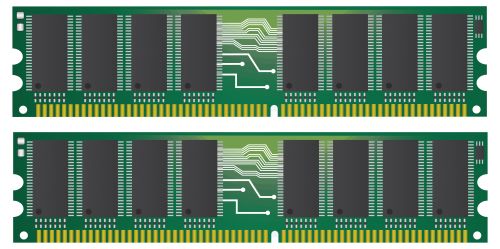
RAM (Random Access Memory) is a computer’s temporary memory, where data and instructions currently in use by the CPU are stored. When you open an application, its data is loaded from storage into RAM so the CPU can access it more quickly, resulting in smoother system responsiveness.
You can think of RAM as a work desk: a larger desk allows you to spread out more documents and tools at once, enabling faster work without constantly retrieving files from a filing cabinet (the storage drive).
2.2 The Role of RAM
RAM plays a key role in determining temporary data access speed and a computer’s multitasking capability. When the CPU needs data to execute instructions, it retrieves that data from RAM rather than from the storage drive, because RAM is significantly faster. If RAM capacity is insufficient, the CPU must constantly swap data with the storage device, leading to lag, slowdowns, or even system freezes.
More specifically, RAM directly affects user experience depending on usage scenarios:
- Programming: IDEs (such as Visual Studio or PyCharm) and compilers require stable RAM to handle multiple projects simultaneously, maintain the state of open files, and reduce waiting time during compilation.
- Large-scale data processing (Data Analysis, Machine Learning): Large datasets are loaded into RAM for fast processing. Sufficient RAM ensures smooth data manipulation without frequent read/write operations to storage.
- Gaming: Modern games store large amounts of temporary data – textures, maps, and game states – in RAM. Adequate RAM enables faster loading times and helps prevent stuttering or lag.
- Video rendering / graphic design: When working with HD or 4K video, RAM stores frames, effects, and textures temporarily so that the CPU and GPU can process them smoothly, reducing slowdowns during rendering.
Overall, the larger and faster the RAM, the more responsive the computer becomes, enabling smoother multitasking and reducing bottlenecks between the CPU, GPU, and storage. RAM not only affects processing speed but also determines the system’s ability to handle multiple complex tasks simultaneously.
2.3 How to Choose the Right RAM
When selecting RAM, consider the following key factors:
- Capacity:
- 8GB: sufficient for office work and basic study needs.
- 16–32GB: suitable for programming and demanding gaming.
- 64GB or more: recommended for video rendering, large-scale data processing, or ML/AI workloads.
- RAM type:
- DDR4: widely used, offering stable performance.
- DDR5: newer technology with higher speeds and support for modern features.
- RAM speed (MHz):
- Examples include 3200MHz or 3600MHz.
- Higher speeds allow faster data transfer between RAM and the CPU, improving overall system performance.
3. GPU – Graphics Processing Unit
3.1 What Is a GPU?
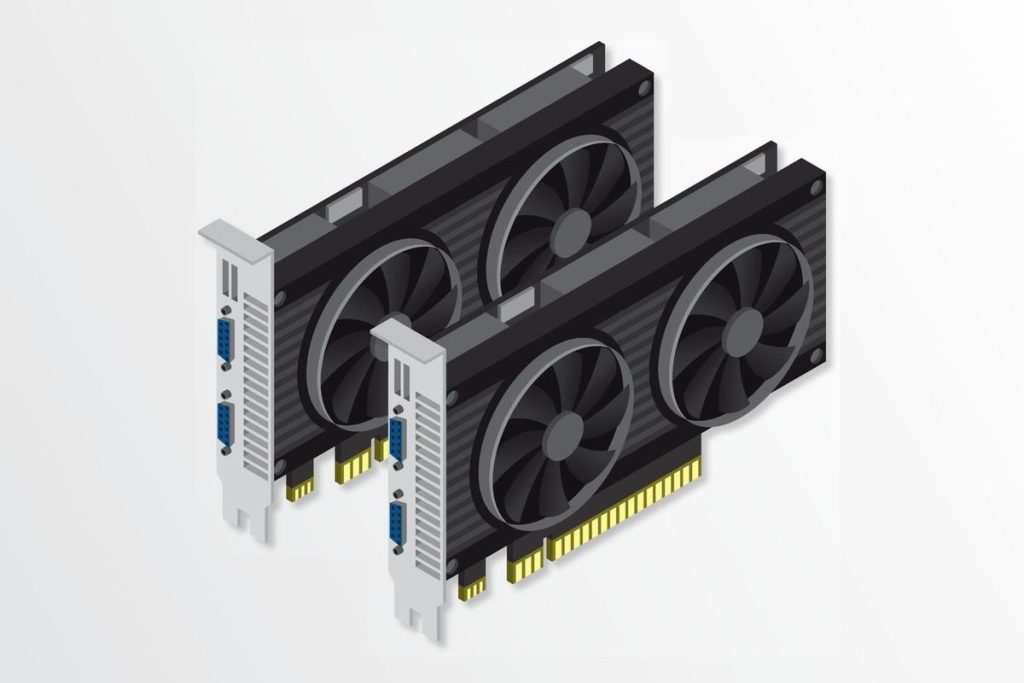
The GPU (Graphics Processing Unit) is a processor specialized for handling graphics, video, and 3D rendering. While the CPU manages overall system tasks and logic, the GPU performs thousands of parallel calculations, enabling fast and smooth image processing.
For example, when playing a 3D game, the CPU handles game logic, AI, and physics, while the GPU is responsible for rendering scenes, lighting, textures, and visual effects, delivering a smooth and immersive experience for the player.
3.2 The Role of the GPU
The GPU plays a vital role in tasks related to graphics processing and parallel computation:
- Gaming: A powerful GPU enables smooth gameplay, faster scene loading, reduced lag, and higher frame rates (FPS).
- Graphic design and video production: GPUs accelerate image and video rendering, especially for 3D graphics and high-resolution video, significantly reducing processing time compared to CPU-only rendering.
- Machine Learning (ML/AI): GPUs handle matrix and tensor operations in parallel, dramatically speeding up deep learning model training and reducing computation time from hours or days to much shorter durations.
Overall, the GPU directly influences graphical performance, parallel processing speed, and the quality of smooth visual experiences.
3.3 How to Choose the Right GPU
When selecting a GPU, you should consider the following factors:
- Integrated GPU vs. Dedicated GPU:
- Integrated GPU: Lightweight, power-efficient, and sufficient for office work, web browsing, and basic study tasks.
- Dedicated GPU: Significantly more powerful, capable of handling demanding graphics workloads. Suitable for gaming, 3D rendering, video editing, and machine learning.
- Manufacturers:
- NVIDIA: Widely used, with strong support for gaming and AI through technologies such as CUDA and RTX.
- AMD: Offers competitive performance at attractive prices, especially with the Radeon RX series.
- VRAM (Video RAM):
- HD / Full HD gaming: 4–6 GB of VRAM is generally sufficient.
- 3D modeling, video rendering, ML/AI: 8–24 GB of VRAM, depending on workload complexity and data size.
In summary, the ideal GPU depends on your primary use cases, required performance level, and budget constraints.
4. Comparison of RAM, CPU, and GPU & Configuration Selection Guide
To optimize computer performance, it is essential to understand the role of each component and choose hardware that matches your actual needs. Below is a summary table comparing RAM, CPU, and GPU:
| Component | Main Role | Impact on Performance | Common Use Cases | Key Selection Considerations |
|---|---|---|---|---|
| CPU | Executes instructions, manages processes, determines overall system speed | Smooth multitasking, software processing, programming, game logic | Office work, programming, gaming, rendering, ML/AI | Number of cores & threads, clock speed (GHz), cache size, CPU lineup (Intel/AMD) |
| RAM | Temporary memory storing data currently used by the CPU | Multitasking capability, software responsiveness, faster data loading | Office work, programming, gaming, large data processing, video rendering | Capacity (GB), type (DDR4/DDR5), speed (MHz) |
| GPU | Graphics processing, 3D rendering, parallel computation | Image quality, game FPS, rendering speed, ML/AI training | Gaming, graphic design, video editing, ML/AI | Integrated vs dedicated, VRAM (GB), brand (NVIDIA/AMD), GPU architecture |
4.1 Configuration Recommendations by Use Case
- Office Work / Basic Study:
- CPU: 2–4 cores, 4–8 threads
- RAM: 8GB
- GPU: Integrated GPU (built into the CPU)
- Programming / Software Development:
- CPU: 4–8 cores, 8–16 threads
- RAM: 16GB
- GPU: Integrated GPU or mid-range dedicated GPU if graphics processing is required
- HD / Full HD Gaming:
- CPU: 4–6 cores, 8–12 threads
- RAM: 16GB
- GPU: Dedicated GPU, VRAM 4–6GB (NVIDIA GTX/RTX 16/20 series, AMD RX 6000 series)
- Graphic Design / 3D Video Rendering:
- CPU: 8 cores, 16 threads
- RAM: 32GB
- GPU: Dedicated GPU, VRAM 8–12GB
- Machine Learning / AI / Data Science:
- CPU: 8–16 cores, 16–32 threads
- RAM: 32–64GB hoặc hơn tùy dataset
- GPU: High-performance dedicated GPU, 12–24GB VRAM, preferably NVIDIA (CUDA support)

4.2 General Considerations When Choosing a Configuration
- Balance between CPU–RAM–GPU: A powerful CPU paired with insufficient RAM or a weak GPU can create bottlenecks, significantly reducing overall performance.
- Future upgrade potential: Choose a motherboard that supports future upgrades such as additional RAM, a more powerful GPU, or a higher-end CPU to extend the system’s lifespan.
- Clear understanding of actual needs: There is no need to overspend on a high-end CPU or GPU for basic office tasks; however, stronger investment is justified for AAA gaming, video rendering, or ML/AI workloads.
- Software compatibility and optimization: Some applications are optimized for NVIDIA GPUs (CUDA) or require large amounts of RAM. Always prioritize hardware configurations that align with the software you use most frequently.
5. Conclusion
RAM, CPU, and GPU are the three core components that determine a computer’s overall performance. The CPU acts as the “brain,” executing instructions and managing processes; RAM serves as temporary memory, enabling the CPU to access data quickly and maintain smooth multitasking; and the GPU specializes in graphics processing, 3D rendering, and heavy parallel workloads such as machine learning.
Understanding the role of each component allows users to choose a well-balanced configuration that optimizes performance according to their specific needs—whether for office work, programming, gaming, graphic design, or machine learning/AI. Properly balancing CPU, RAM, and GPU not only delivers a smoother user experience but also helps control costs by avoiding unnecessary upgrades or performance shortfalls.
In general, individual needs and priorities will vary, but a solid understanding of RAM, CPU, and GPU is the first essential step toward building a computer system that is both powerful and efficient, and that aligns well with personal goals.
6. References
[1] D. A. Patterson and J. L. Hennessy, Computer Organization and Design: The Hardware/Software Interface, 6th ed. Morgan Kaufmann, 2021.
[2] D. Sandler, “SSD vs HDD: Which is Better for You?”, TechSpot, 2022. [Online]. Available: https://www.techspot.com/article/2130-ssd-vs-hdd/. [Accessed: Oct. 6, 2025].
[3] P. Martin, Understanding Solid State Drives. O’Reilly Media, 2020.
[4] A. Silberschatz, P. B. Galvin, and G. Gagne, Operating System Concepts, 10th ed. Wiley, 2018.
[5] NVIDIA Corporation, “NVIDIA GeForce Graphics Cards,” [Online]. Available: https://www.nvidia.com/en-us/geforce/graphics-cards/. [Accessed: Oct. 6, 2025].
[6] AMD, “Radeon Graphics Cards,” [Online]. Available: https://www.amd.com/en/graphics. [Accessed: Oct. 6, 2025].
[7] Crucial, “What is RAM? – Memory Basics,” [Online]. Available: https://www.crucial.com/articles/about-memory/what-is-ram. [Accessed: Oct. 6, 2025].
[8] Intel Corporation, “Intel Core Processors,” [Online]. Available: https://www.intel.com/content/www/us/en/products/processors/core.html. [Accessed: Oct. 6, 2025].