
Computer networks are the foundation of the modern digital world, enabling the connection of devices, people, and services across the globe. From sending emails and accessing websites to conducting banking transactions or playing online games – all of these rely on computer networks.
Understanding computer networks not only helps us use technology more effectively, but also opens up opportunities to build, optimize, and secure network systems. In this article, you and I will explore the fundamental knowledge of computer networks, from structure, components, and protocols to emerging trends, in order to gain a comprehensive view of this important field.
1. Concept of Computer Networks
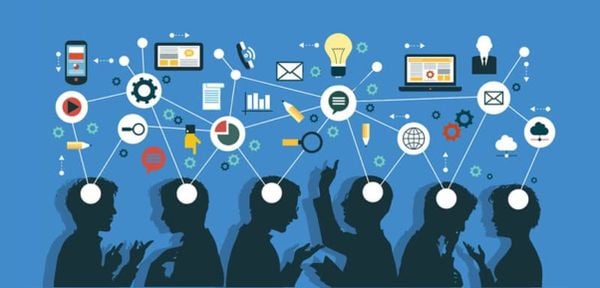
A computer network is a system that connects two or more devices – such as computers, servers, smartphones, or IoT devices – to exchange data and share resources. These devices communicate with one another through transmission media such as copper cables, fiber-optic cables, radio waves, or infrared signals.
Roles of computer networks:
- Information connectivity: Enables fast data exchange between devices.
- Cost efficiency: Allows sharing of resources such as printers, storage, or Internet connections, reducing investment costs.
- Increased productivity: Supports teamwork and easy access to shared resources.
- Service support: The Internet, email, cloud computing services, and streaming all rely on computer networks.
Illustrative example:
When you send an email, the data is transmitted from your device to an email server through the network. The server then forwards the data to the recipient’s device via the Internet. This entire process takes only a few seconds, even when the geographical distance between the two devices is very large..
2. Basic Components of Computer Networks
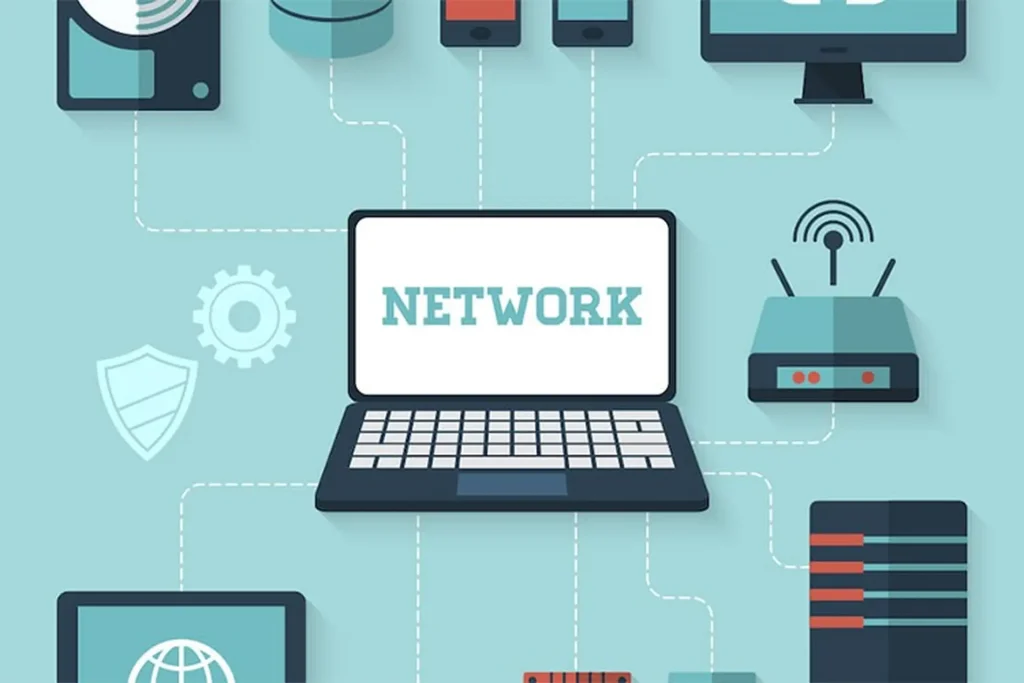
A computer network operates through the coordination of hardware and software, enabling data to be transmitted quickly and reliably.
2.1 Hardware
Router: A routing device responsible for directing data between different networks. Routers allow LANs to connect to the Internet or to WANs, while efficiently managing data traffic.
Switch: A switching device that connects multiple devices within the same LAN. A switch analyzes the MAC address of data packets and forwards them to the correct destination device, reducing network collisions compared to hubs.
Hub: A device that connects network devices and operates simply by sending data to all connected devices. Because it does not distinguish the destination device, a hub is inefficient and prone to causing network congestion.
Modem: Converts digital signals from a computer into signals suitable for the ISP (Internet Service Provider) network, or vice versa, in order to provide Internet connectivity.
Network Interface Card (NIC): A built-in or external hardware interface that enables a device to connect to a network. The NIC handles data transmission between the device and the physical network.
2.2 Software
Network Operating System (Network OS): Manages network resources and operations, coordinates connected devices, and controls access. Common examples include Windows Server and Linux.
Network Protocols: A set of rules that enable devices to communicate and transmit data accurately and synchronously. Some important protocols include:
- TCP/IP: The core protocol of the Internet, ensuring reliable data transmission.
- HTTP/HTTPS: Protocols for transmitting web data.
- FTP: Used for transferring files between devices.
3. Classification of Computer Networks
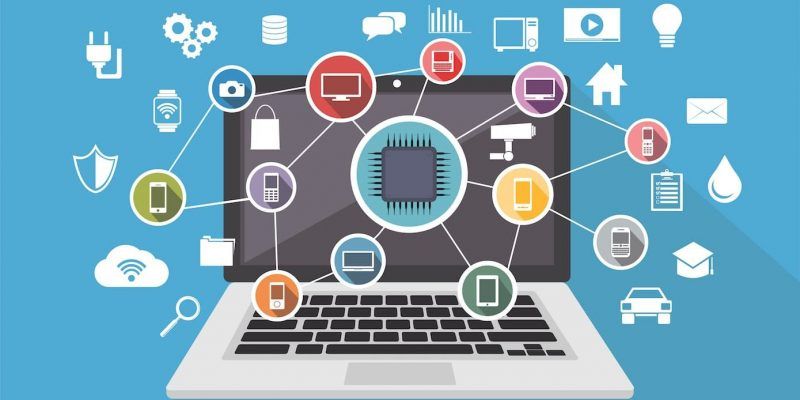
Computer networks can be classified according to various criteria, most commonly by scope, function, and technology. Each type has its own characteristics, advantages, and disadvantages, and is suitable for specific use cases.
3.1 By scope
- PAN (Personal Area Network): A personal network with a very small range (a few meters), used to connect personal devices such as smartphones, Bluetooth headphones, and tablets. Examples include Bluetooth and USB tethering.
- LAN (Local Area Network): A local network with a limited range (office, home, school). LANs offer high speed, are easy to manage, and have low cost.
- CAN (Campus Area Network): A campus network that connects multiple LANs within a defined area such as a university or a large enterprise.
- MAN (Metropolitan Area Network): A metropolitan network with a wider range than LAN and CAN, used to connect offices within the same city.
- WAN (Wide Area Network): A wide-area network that connects multiple LANs over large distances, even globally. The Internet is a typical example.
3.2 By function and purpose
- Client–Server: Servers provide services and resources to client machines. For example, a web server serves websites to clients.
- Peer-to-Peer (P2P): Each device acts as both a client and a server, sharing resources directly with one another.
- Hybrid Network: Combines both Client–Server and P2P models to take advantage of the strengths of each.
- Intranet: An internal network serving only a specific organization or enterprise. Intranets are typically secured and accessible only to employees. Examples include internal management systems and internal document-sharing platforms.
- Extranet: An extension of an intranet that allows external partners or customers to access part of an organization’s resources. Extranets often use VPNs or other security methods to control access.
3.3 By technology
- Wired Network: Uses copper cables or fiber-optic cables to connect devices. Advantages include stable speed and high security; disadvantages include limited flexibility and mobility.
- Wireless Network: Uses radio waves (Wi-Fi, Bluetooth, LTE/5G) to connect devices. Advantages include flexibility and ease of deployment; disadvantages include susceptibility to interference and generally lower speed compared to wired networks.
- Hybrid Network: Combines wired and wireless networks to optimize both performance and flexibility.
4. Network Protocols
Network protocols are sets of rules and standards that enable devices within a network to communicate and exchange data in a synchronized, secure, and accurate manner. Protocols ensure that data is transmitted in the correct format, in the correct order, and reaches the correct destination, regardless of distance or device type.
Some common protocols:
- TCP/IP (Transmission Control Protocol / Internet Protocol):
This is the foundational protocol suite of the Internet. TCP ensures that data is broken into packets, transmitted reliably, and reassembled in the correct order at the destination. IP is responsible for routing packets to the correct IP address of the destination device. - HTTP/HTTPS (Hypertext Transfer Protocol / Secure):
Protocols used to transmit web data between browsers and servers. HTTPS is the secure version of HTTP, encrypting data to protect user information when accessing the Internet. - FTP (File Transfer Protocol):
Used to transfer files between computers over a network. FTP supports uploading and downloading data and is especially useful for website management and large file transfers. - DNS (Domain Name System):
Translates easy-to-remember domain names (for example, www.kienthucmo.com) into IP addresses that computers can understand. DNS functions like the “phone book” of the Internet, helping devices locate and connect to each other quickly.
Illustrative example:
When you enter a website address in your browser:
- The browser sends an HTTP/HTTPS request to the server.
- DNS translates the domain name into the server’s IP address.
- TCP/IP divides the data into packets, transmits them over the network, and reassembles them on your device.
As a result, you can access the website content within a few seconds.
5. IP Addresses and the DNS System
5.1 IP Address
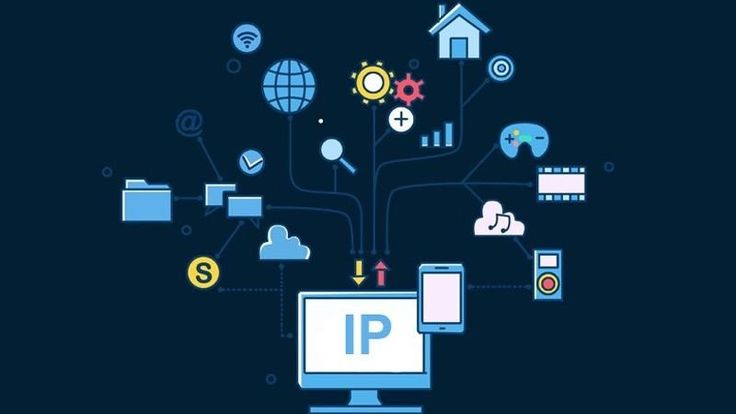
An IP (Internet Protocol) address is the unique identifier of a device on a network, similar to a home address that identifies a location in the global network system. IP addresses allow devices to send and receive data accurately.
- IPv4: Uses 32-bit addresses, typically written as four decimal numbers, for example: 192.168.0.1. IPv4 provides about 4 billion addresses, but these are gradually being exhausted.
- IPv6: Uses 128-bit addresses, written as eight groups of hexadecimal characters, for example: 2001:0db8:85a3::8a2e:0370:7334. IPv6 addresses the limitations of IPv4, providing a nearly unlimited number of addresses and supporting improved security features.
5.2 DNS (Domain Name System)
DNS is a system that translates easy-to-remember domain names (for example, www.kienthucmo.com) into IP addresses that network devices can understand and locate.
DNS functions like an “address book” of the Internet, allowing users to access websites or network services without having to remember complex numerical IP addresses.
Illustrative example:
When you enter www.kienthucmo.com into your browser:
- DNS looks up and translates the domain name into the IP address of the server hosting the website.
- The browser uses this IP address to send requests to the server.
6. Computer Network Security
Network security is an essential element of network administration, helping to protect data, resources, and systems from threats such as attacks, intrusions, or information loss. Implementing appropriate security measures ensures that networks operate safely and reliably.
Some common security measures:
- Firewall: Controls inbound and outbound network traffic, filtering invalid or suspicious data to prevent unauthorized access. Firewalls can be software-based or hardware-based.
- VPN (Virtual Private Network): Encrypts network connections, ensuring that data transmitted over the Internet is secure and user privacy is protected. VPNs are commonly used for remote network access.
- SSL/TLS (Secure Sockets Layer / Transport Layer Security): Protocols that encrypt web data, protecting information during transmission between browsers and servers. For example, HTTPS uses SSL/TLS to secure websites.
Illustrative example:
When you access a website that uses HTTPS, the data exchanged between your browser and the server is encrypted using SSL/TLS. If you use a VPN, all of your Internet traffic is also encrypted, protecting it from interception or monitoring.
7. Trends and the Future of Computer Networks
Computer networks continue to evolve to meet increasing demands for speed, reliability, and security. Several key trends are shaping the future of computer networking:
7.1 5G Networks and IoT
5G networks: Provide faster data transmission speeds, lower latency, and the ability to connect many devices simultaneously. This enables real-time applications such as autonomous vehicles, virtual reality (VR), and telemedicine.
IoT (Internet of Things): Expands connectivity to billions of smart devices such as sensors, machines, and household appliances, enabling intelligent and automated data collection and processing.
7.2 AI in Network Management
Artificial intelligence (AI) is increasingly applied in network management. AI helps to:
- Automatically detect and resolve issues.
- Predict and prevent security threats.
- Optimize network performance.
7.3 Cloud Computing
Computer networks form the foundation for connecting cloud computing services, enabling flexible data storage, processing, and sharing. Cloud computing offers:
- Rapid scalability.
- Reduced infrastructure costs.
- Support for remote work and effective collaboration.
Illustrative example:
With 5G networks and IoT, a hospital can monitor patients’ health in real time. AI analyzes the data to detect abnormalities, while cloud computing securely stores and shares medical data among specialists.
8. Conclusion
Computer networks are the bridge that enables devices to communicate and share information quickly and efficiently. They are not merely systems of cables or wireless signals, but a crucial foundation for building today’s connected world—from the Internet and cloud services to smart applications such as IoT and AI.
Understanding computer networks helps us clearly recognize their role in daily life: connecting people, sharing data, saving time, and improving work efficiency. At the same time, it highlights challenges related to security, management, and system optimization to ensure that networks operate stably.
Looking toward the future, computer networks will become increasingly powerful with the development of 5G, IoT, AI, and cloud computing. Understanding the fundamental knowledge of networking not only helps us manage and operate systems more effectively, but also enables us to keep pace with technological trends and prepare together for a smarter and safer connected digital world.
9. References
[1] Cisco Systems, “What is a Computer Network?”, Cisco, 2025. [Online]. Available: https://www.cisco.com/c/en/us/solutions/enterprise-networks/what-is-a-computer-network.html. [Accessed: Oct. 5, 2025].
[2] S. Deering and R. Hinden, Internet Protocol, Version 6 (IPv6) Specification, RFC 2460, Dec. 1998. [Online]. Available: https://doi.org/10.17487/RFC2460.
[3] IEEE Standards Association, “IEEE 802 Standards for Local and Metropolitan Area Networks”, 2025. [Online]. Available: https://standards.ieee.org/802. [Accessed: Oct. 5, 2025].
[4] J. F. Kurose and K. W. Ross, Computer Networking: A Top-Down Approach, 8th ed., Pearson, 2020.
[5] Microsoft Docs, “Networking Fundamentals”, Microsoft, 2025. [Online]. Available: https://learn.microsoft.com/en-us/windows-server/networking. [Accessed: Oct. 5, 2025].
[6] P. Srisuresh and K. Egevang, IPv6 Transition Mechanisms, RFC 2893, Nov. 2001. [Online]. Available: https://doi.org/10.17487/RFC2893.
[7] A. S. Tanenbaum and D. J. Wetherall, Computer Networks, 5th ed., Pearson, 2011.