When starting to learn programming, we often become familiar with control structures such as if…else and loops like for and while. However, these tools alone are sometimes not enough to control the flow of program execution. In many situations, we need to exit a loop early, skip a specific iteration, or simply leave a “placeholder” for code that has not yet been written.
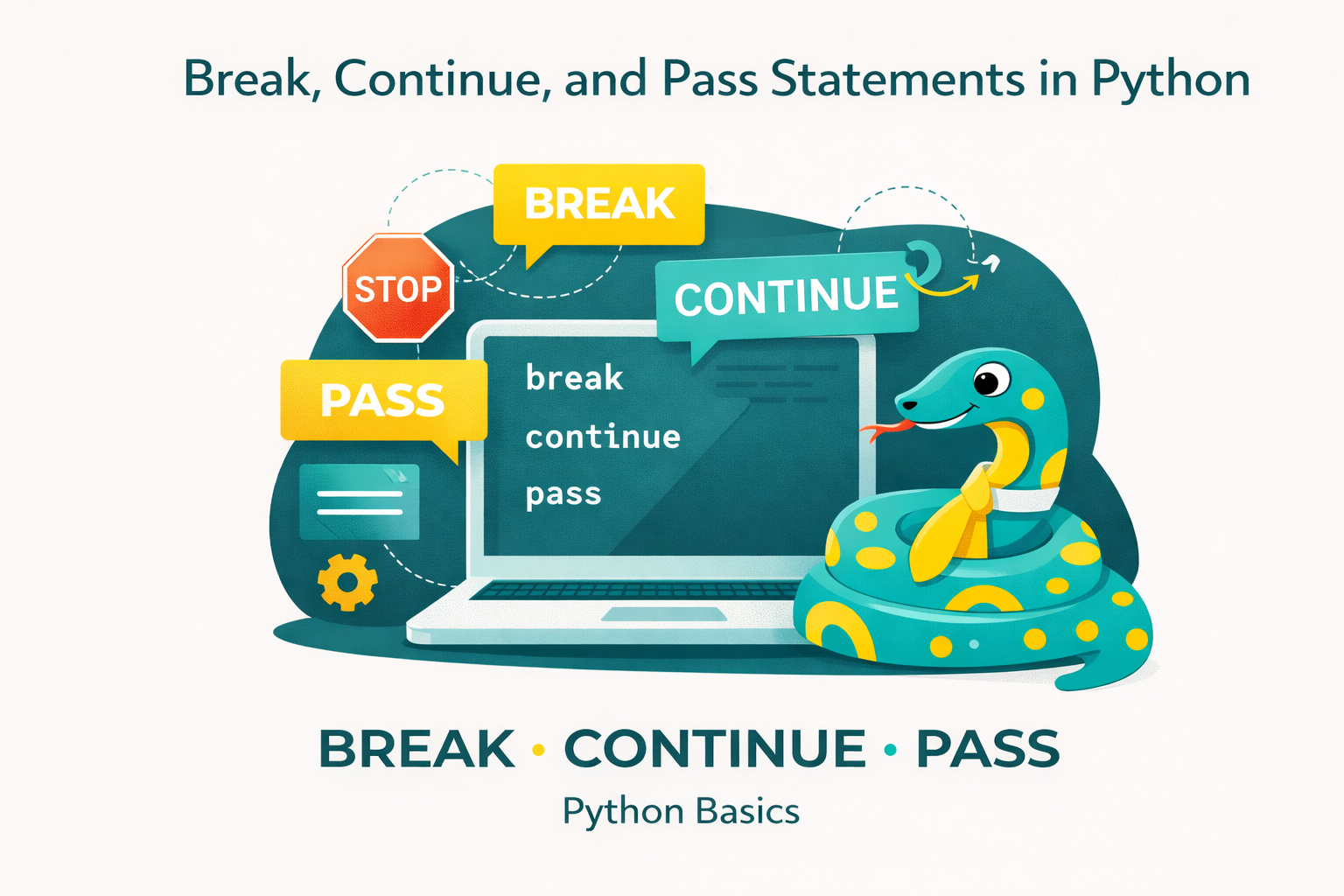
Python (like many other languages) provides three special statements to handle such situations: break, continue, and pass. These are small yet extremely useful “helpers” that allow programmers to write more concise, readable code and better control how a program runs.
This article will analyze these three statements in detail, along with practical examples, compare their differences, and provide suggestions for effective usage.
1. Overview of Flow Control in Programming
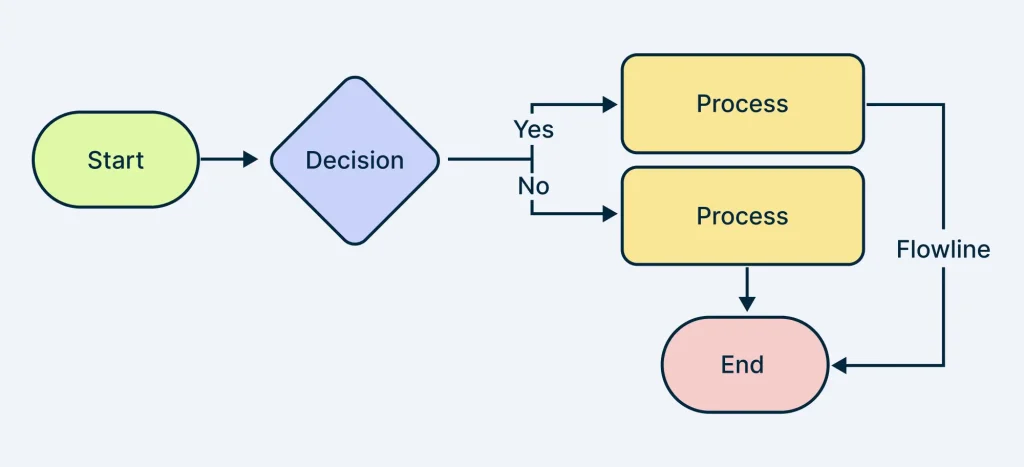
In programming, flow control refers to the ability to determine which part of the code will be executed next, and when a program stops or repeats.
The main tools for controlling flow include:
- Conditions (
if/else,switch-case): determine which branch is executed. - Loops (
for,while): repeat a block of code multiple times. - Special control statements (
break,continue,pass,return): fine-tune how loops or functions operate.
Among these, break, continue, and pass play a complementary role, giving us greater flexibility when working with loops or building program structures.
2. The break Statement
Definitionbreak is used to exit a loop immediately, regardless of whether the loop condition is still true.
Basic syntax:
for item in sequence:
    if condition:
breakOr
while condition:
    if condition2:
breakIllustrative example
Suppose you are searching for the number 7 in a list:
numbers = [1, 3, 5, 7, 9, 11]

for n in numbers:
    if n == 7:
        print("Number 7 found!")
breakThe program will stop as soon as the number 7 is found, without needing to iterate through the entire list.
Notes when using break: Helps save time when it is not necessary to traverse the entire loop. Avoid overusing it, as multiple break statements in a loop can make the logic harder to follow.
3. The continue Statement
Definitioncontinue is used to skip the remaining part of the current iteration and move to the next iteration without stopping the loop.
Basic syntax:
for item in sequence:
    if condition:
        continue
# code ở đây chỉ chạy khi condition == FalseIllustrative example
Print odd numbers from 1 to 10:
for i in range(1, 11):
    if i % 2 == 0:
        continue
    print(i)
When encountering an even number, the program skips it and continues to the next iteration, resulting in only odd numbers being printed.
Notes when using continue
- Helps write more concise code instead of nesting multiple
if…elsestatements. - However, overusing
continuecan make loops harder to read.
4. The pass Statement
Definitionpass is a null statement, meaning that when Python encounters pass, it does nothing.
Basic syntax:
if condition:
passWhen to use pass
- Used as a placeholder when drafting the structure of a program.
- In classes, functions, or loops where you do not want to implement the logic immediately.
Illustrative example
Create a class without implementing its content:
class Animal:
passNote: pass is different from continue. continue moves to the next iteration, while pass simply does nothing and allows execution to continue normally.
5. Comparing break, continue, and pass
| Criteria | break | continue | pass |
|---|---|---|---|
| Purpose | Exit the loop completely | Skip the current iteration | Placeholder, do nothing |
| Effect on loop | Terminates the loop | Moves to the next iteration | Loop continues normally |
| Example | Stop searching for a number in a list | Skip even numbers when printing | Create a function/class without implementation |
6. Conclusion
The three statements break, continue, and pass are simple but play an important role in controlling program flow.
breakallows you to stop a loop when further iteration is unnecessary.continueenables skipping certain iterations.passserves as a “placeholder” during development.
When used correctly, they help make code more concise, readable, and efficient. For beginners, understanding the differences and proper usage of these statements is essential for writing effective Python code.ng dụng của ba câu lệnh này là một bước quan trọng để tiến xa hơn trong việc viết code chuyên nghiệp.
7. References
- Python Software Foundation. (n.d.). The Python tutorial: Control flow tools. Python.org. Truy cập từ https://docs.python.org/3/tutorial/controlflow.html
- Sweigart, A. (2019). Automate the boring stuff with Python: Practical programming for total beginners (2nd ed.). No Starch Press.
- Lutz, M. (2013). Learning Python (5th ed.). O’Reilly Media.
- GeeksforGeeks. (n.d.). Python break, continue and pass. Truy cập từ https://www.geeksforgeeks.org
- Python for Professionals: Learning Python as a Second Language: https://www.kobo.com/us/en/ebook/python-for-professionals-3
- Python: Deeper Insights into Machine Learning: https://www.kobo.com/us/en/ebook/python-deeper-insights-into-machine-learning
- DataFusion Python Bindings in Practice: The Complete Guide for Developers and Engineers: https://www.kobo.com/us/en/ebook/datafusion-python-bindings-in-practice