Python has long been renowned for the philosophy “Simple is better than complex” – everything should be written concisely, readable, and easy to understand. This is one of the reasons Python is widely used in fields such as web development, data science, artificial intelligence, and automation.
However, before Python 3.10, writing conditional statements typically relied only on the if-elif-else structure. When handling many complex conditions, the code could become lengthy and hard to follow.
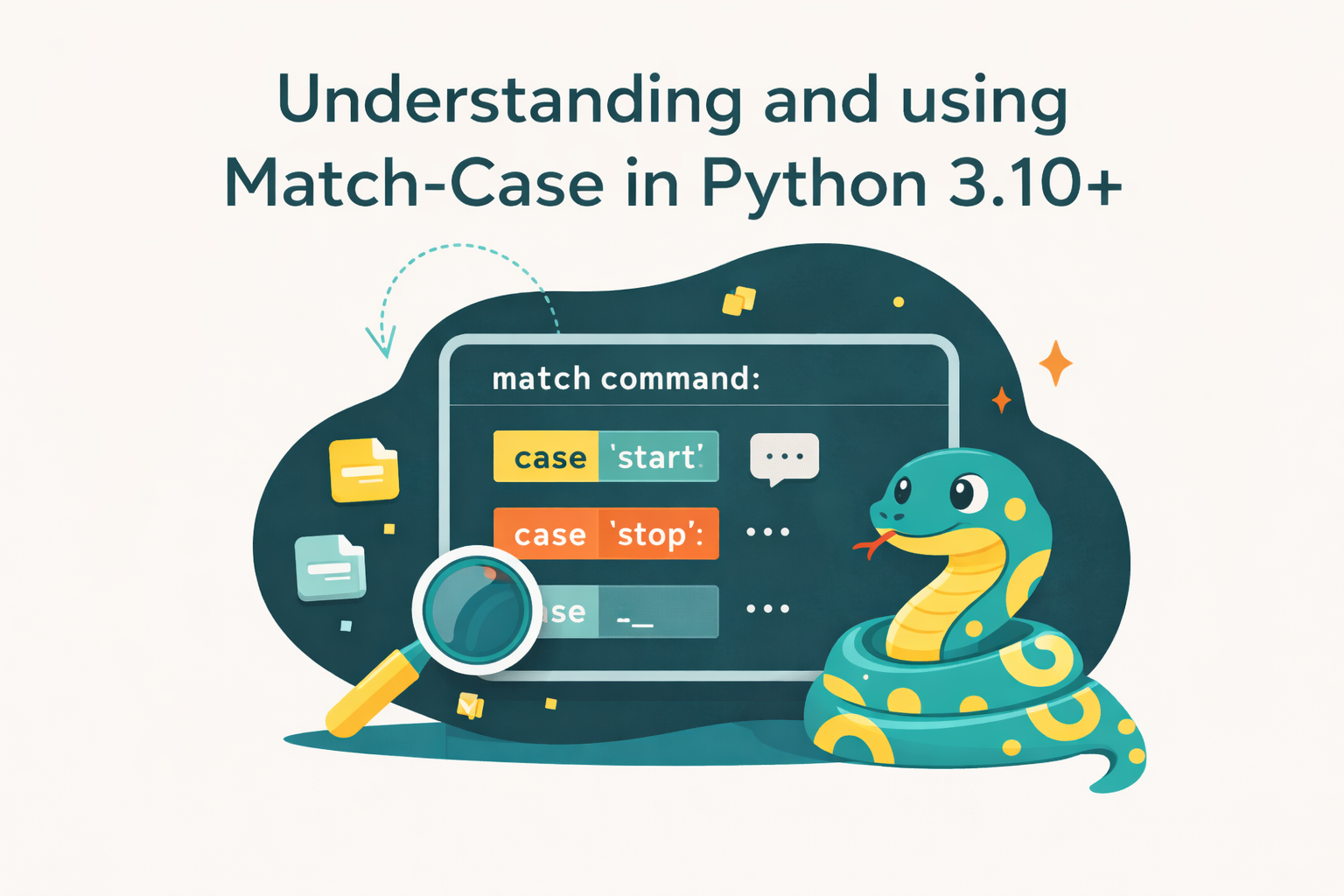
To address this, Python 3.10 introduced a new feature called match-case. This statement is inspired by the concept of pattern matching in modern programming languages, making data checking and processing more concise and powerful.
In this article, we will explore:
- What
match-caseis and its basic syntax. - How to use it from basic to advanced scenarios.
- Practical applications in programming.
- Advantages and limitations of
match-case.
1. Overview of the Match-Case Statement
The match-case statement in Python allows us to match a value or a data structure against different “patterns.” It is similar to the switch-case statement in languages like C and Java, but with much more powerful capabilities.
The basic syntax of match-case is as follows:
match variable:
    case pattern1:
        # action when pattern1 matches
    case pattern2:
        # action when pattern2 matches
    case _:
# default action if no pattern matchesSimple example:
day = "Monday"

match day:
    case "Monday":
        print("Start of the week")
    case "Friday":
        print("Weekend is near")
    case _:
        print("Just another day")
The main difference from if-elif-else:
if-elif-elseevaluates logical conditions.match-caseevaluates data patterns, which can be numbers, strings, tuples, lists, or even complex structures.
2. Using Match-Case in Python
2.1. Basic Case
Used to check simple values, such as numbers or strings.
color = "red"

match color:
    case "red":
        print("Stop")
    case "green":
        print("Go")
    case "yellow":
        print("Caution")
    case _:
print("Unknown color")2.2. Using with Multiple Values (OR Patterns)
A single case can match multiple patterns using the | operator.
month = 2

match month:
    case 1 | 2 | 3:
        print("First Quarter")
    case 4 | 5 | 6:
        print("Second Quarter")
    case _:
print("Other Quarters")2.3. Using with Variables
You can assign the matched value to a variable.
value = 42

match value:
    case x:
        print(f"Matched value: {x}")
In this example, any value will be assigned to x.
2.4. Using with Data Structures (list, tuple)
match-case can unpack data from lists or tuples.
point = (0, 5)

match point:
    case (0, y):
        print(f"Point on Y-axis at {y}")
    case (x, 0):
        print(f"Point on X-axis at {x}")
    case (x, y):
print(f"Point at ({x}, {y})")2.5. Using with Classes and Dictionaries
You can match based on an object’s attributes or keys in a dictionary.
person = {"name": "Alice", "age": 25}

match person:
    case {"name": name, "age": age}:
        print(f"{name} is {age} years old")
    case _:
print("Unknown person")2.6. Wildcard and Default Case
Use _ to indicate “match anything.” This serves as the default case, similar to default in a switch-case.
animal = "dog"

match animal:
    case "cat":
        print("Meow")
    case "dog":
        print("Woof")
    case _:
        print("Unknown sound")
3. Advanced Features
3.1. Guards (Conditions within a Case)
We can add an if statement to filter matched data
num = 10

match num:
    case int() if num > 0:
        print("Positive integer")
    case int() if num < 0:
        print("Negative integer")
    case _:
print("Zero or not an integer")3.2. Nested Match-Case
You can nest match-case statements to handle complex data structures.
data = ("user", {"name": "Alice", "role": "admin"})

match data:
    case ("user", {"name": name, "role": role}):
        match role:
            case "admin":
                print(f"{name} is an administrator")
            case "guest":
print(f"{name} is a guest")4. Practical Applications
4.1. Handling JSON Data from APIs
response = {"status": 200, "data": {"user": "Alice"}}

match response:
    case {"status": 200, "data": {"user": user}}:
        print(f"User found: {user}")
    case {"status": 404}:
        print("User not found")
    case _:
print("Unknown response")4.2. Building a Simple Chatbot
message = "hello"

match message.lower():
    case "hello" | "hi":
        print("Hi there! How can I help?")
    case "bye":
        print("Goodbye!")
    case _:
print("I don't understand.")4.3. Syntax Analysis (Parser)
Used to build parsers for small languages or structured data.
expr = ("add", 1, 2)

match expr:
    case ("add", x, y):
        print(x + y)
    case ("sub", x, y):
        print(x - y)
    case _:
        print("Unknown operation")
4.4. Replacing long if-elif-else chains
With match-case, code becomes more readable when checking multiple cases.
5. Advantages and Limitations
Advantages
- Concise, readable syntax, capable of replacing many if-elif-else statements.
- Supports complex patterns (tuples, lists, dictionaries, objects).
- Powerful for data processing and functional programming.
Limitations
- Available only from Python 3.10 onward.
- Beginners may find the new syntax unfamiliar.
- Some older IDEs or plugins may not fully support it.
6. Conclusion
The match-case statement opens a new approach to writing Python code: shorter, more readable, and more powerful in handling complex data. With flexible pattern matching, programmers can build clearer and more maintainable programs.
If you are learning or working with Python, try applying match-case in small projects. It may feel unfamiliar at first, but once accustomed, you will find it an extremely useful and time-saving tool.
7. References
- Python Software Foundation. (2021). PEP 634 – Structural Pattern Matching: Specification. Retrieved from https://peps.python.org/pep-0634/
- Python Software Foundation. (2021). PEP 635 – Structural Pattern Matching: Motivation and Rationale. Retrieved from https://peps.python.org/pep-0635/
- Python Software Foundation. (2021). PEP 636 – Structural Pattern Matching: Tutorial. Retrieved from https://peps.python.org/pep-0636/
- Python Software Foundation. (2023). The match statement. In Python Documentation. Retrieved from https://docs.python.org/3/reference/compound_stmts.html#the-match-statement
- Python for Professionals: Learning Python as a Second Language: https://www.kobo.com/us/en/ebook/python-for-professionals-3
- Python: Deeper Insights into Machine Learning: https://www.kobo.com/us/en/ebook/python-deeper-insights-into-machine-learning
- DataFusion Python Bindings in Practice: The Complete Guide for Developers and Engineers: https://www.kobo.com/us/en/ebook/datafusion-python-bindings-in-practice