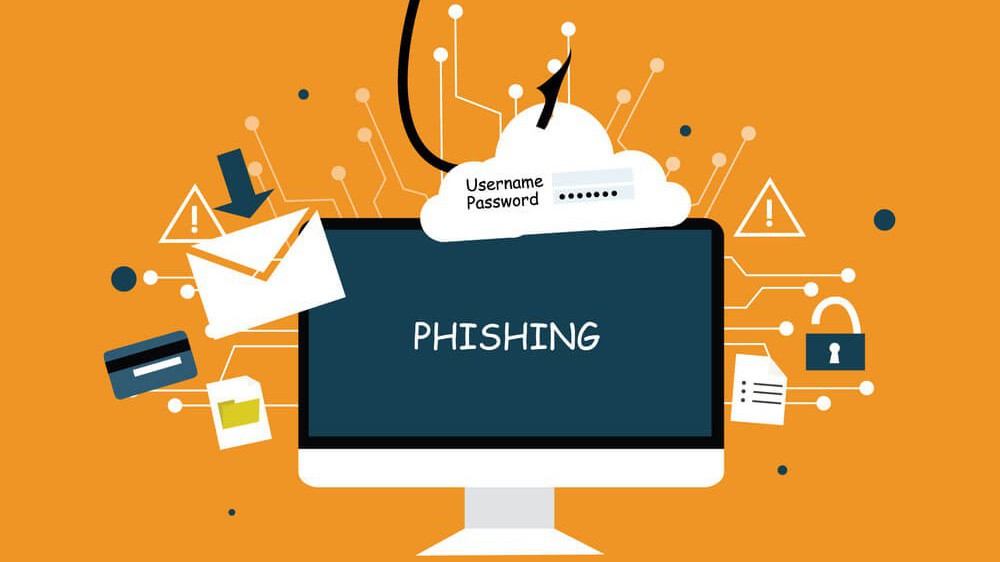
In the digital age, as people increasingly rely on email, websites, and online services, the risk of being targeted by online scams continues to rise. One of the most common threats is phishing – a method of attack that deceives users into providing sensitive information. Many of us have likely received fake emails impersonating banks and requesting “account verification,” or phone calls posing as government officials with fraudulent intent. These situations not only cause anxiety for users but can also lead to financial loss, theft of personal information, and even reputational risks for organizations. In this article, we will explore phishing in depth – from how it works, common types, and warning signs, to its impacts and effective prevention measures.
1. What Is Phishing?
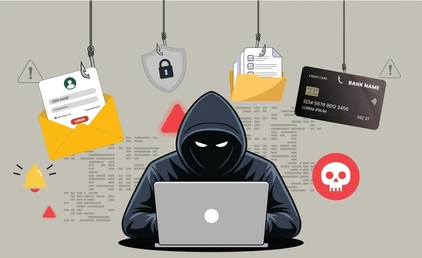
Phishing is a form of cyberattack that targets people, with the aim of deceiving users into providing sensitive information such as bank account details, passwords, credit card numbers, or other personal data. The term “phishing” is derived from “fishing,” as hackers “cast bait” and wait for victims to “take the hook.”
This method emerged in the 1990s, initially targeting AOL accounts, but has since become more sophisticated and diverse, affecting individuals, organizations, businesses, and even government agencies. The primary objective is to collect critical information in order to steal assets, cause financial damage, or gain unauthorized access to data.
Common examples include fake emails impersonating banks and urging users to “verify their accounts immediately,” or counterfeit websites posing as online services to harvest users’ login credentials.
2. Common Types of Phishing
2.1. Email Phishing
This is the most common form of phishing and is often the “gateway” for hackers to reach users. Attackers send spoofed emails that imitate reputable organizations such as banks, e-commerce platforms, or online services. These emails usually contain urgent messages, for example: “Your account will be locked if you do not verify immediately,” or “You have received a gift – click to claim your reward.” The goal is to prompt users to hastily click a link or download an attachment, allowing hackers to collect login credentials or install malware.
Example: An email sent from “bank@secure-bank.com” asks the recipient to “reset your password immediately.” If users fail to carefully check the sender’s address or the URL, they may be deceived into providing sensitive information.
2.2. Spear Phishing
Spear phishing is a more sophisticated variant of email phishing that targets a specific individual, group, or organization. Hackers carefully research the victim’s information – such as job position, habits, and relationships – to craft highly convincing emails. Because of this personalization, spear phishing is much harder to detect than mass email phishing.
Example: An email sent to a CEO requesting an urgent bank transfer or the provision of an important contract. If not handled cautiously, the consequences can include the loss of thousands of dollars or the leakage of critical information.
2.3. Smishing & Vishing
Smishing: Phishing conducted via SMS messages. Hackers send messages impersonating banks or online services, asking users to click a link to verify information or receive rewards. Users are easily deceived because such messages appear on personal phones, creating a false sense of security.
Vishing: Phishing conducted via phone calls. Hackers call while impersonating bank staff, insurance company representatives, or technical support personnel to trick users into providing sensitive information. These calls often create psychological pressure, prompting victims to share information without careful consideration.
2.4. Pharming
Pharming is a more advanced form of phishing that does not rely on email but instead redirects users to fake websites. Hackers may alter DNS settings or create websites that closely resemble official ones, making them difficult for users to recognize. The objective is to obtain login credentials, passwords, or banking card data.
Example: A fake banking website may have an interface and logo identical to the legitimate site, but the URL differs by only one character or uses an unfamiliar domain name, making it easy for users to fall into the trap.
3. Signs of Phishing
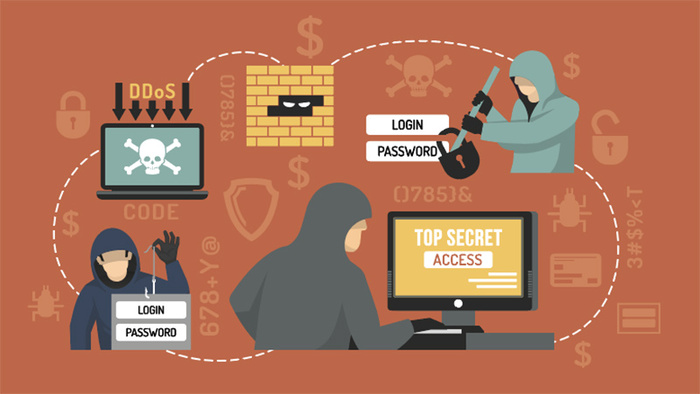
Recognizing phishing is an important skill for protecting personal information, online accounts, and avoiding financial risks. Hackers often exploit users’ inattention or haste, so being aware of warning signs helps you respond in time. Below are common indicators that I usually check when receiving emails or visiting websites:
- Unusual language and psychological pressure:
Phishing emails often use urgent or threatening language, such as “Your account will be locked immediately” or “Verify now to receive your reward.” Others use attractive bait like “You have won a prize – click here to claim it.” In addition, unusual spelling or grammatical errors are also warning signs, as many hackers are not fluent in the native language. - Suspicious or mismatched URLs:
Hackers often create fake links that closely resemble official URLs. Before clicking, you should hover your mouse over the link to check the actual address. Avoid clicking shortened links or links containing strange characters, as these are commonly used to redirect users to phishing websites. - Requests for sensitive information:
Reputable organizations such as banks, email services, or e-commerce platforms never ask for passwords, OTPs, credit card numbers, or personal information via email. If an email requests such information, it is a very clear sign of phishing. - SSL certificates and digital security indicators:
When accessing a website, check for the padlock icon in the browser’s address bar and ensure the URL starts with HTTPS. Fake websites often lack valid SSL certificates or use unreliable free certificates to create a false sense of security. - Unusual emails or websites compared to normal habits:
If you receive an email from an organization you have never interacted with before, or encounter a website with an unfamiliar interface, this is also a warning sign. Hackers may reuse trusted brand names to increase credibility. - Checking email headers:
Advanced users can inspect email headers to identify the actual sending address, as hackers may spoof the display name, but the header reveals the true sending domain.
Early recognition of these signs helps prevent phishing before falling victim, protecting accounts and personal data effectively. When combined with other security measures such as two-factor authentication (2FA) or anti-phishing software
4. How Phishing Works
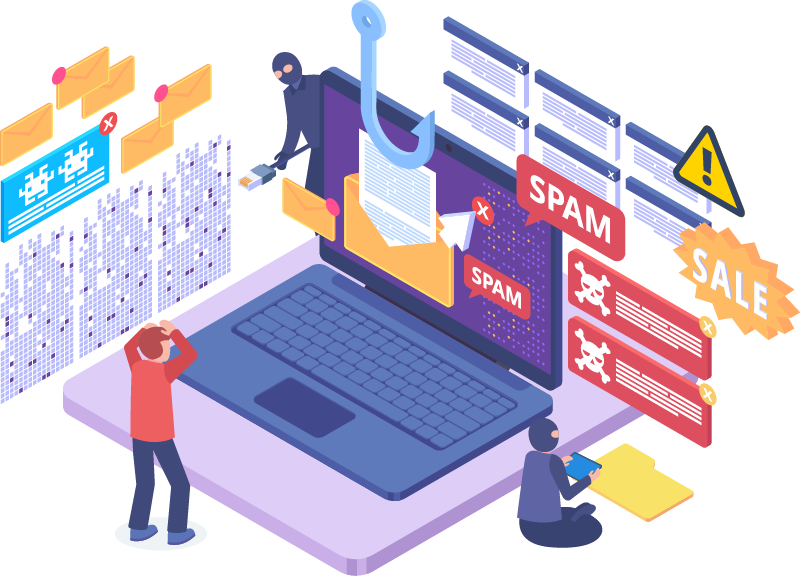
Phishing is a form of attack that combines psychology, technology, and automated tools to trick users into providing sensitive information. Its mechanism typically consists of three main stages:
Exploiting user psychology (Social Engineering): Hackers rely on human psychology such as haste, fear of financial loss, anxiety about account suspension, or the desire for immediate benefits. For example, an email warning that “Your account will be locked within 24 hours” can prompt users to hurriedly click a link without verifying its authenticity. This is the most critical stage, as phishing primarily exploits human factors rather than purely technical weaknesses.
Impersonation and redirection techniques (Technical Exploit): Hackers use digital tools to make emails or websites appear legitimate:
- Email spoofing: Forging the sender’s address or display name to resemble a bank or reputable company.
- Fake websites / Pharming: Creating websites that closely mimic legitimate ones or altering DNS settings to redirect users, with the aim of collecting usernames, passwords, or banking card information.
These techniques make it difficult for users to recognize that an email or website is fraudulent.
Use of automated attack tools (Automated Tools): Hackers often deploy automated tools to send phishing emails in bulk, create fake landing pages, or collect data from users who click on links. This enables attacks to scale rapidly, reduces manual effort, and increases the success rate.
Thus, phishing does not rely solely on technological techniques but also leverages human psychology and automation to achieve high effectiveness. Understanding this mechanism helps users become more alert when receiving suspicious emails and avoid the risk of losing information and assets.
5. Impacts of Phishing
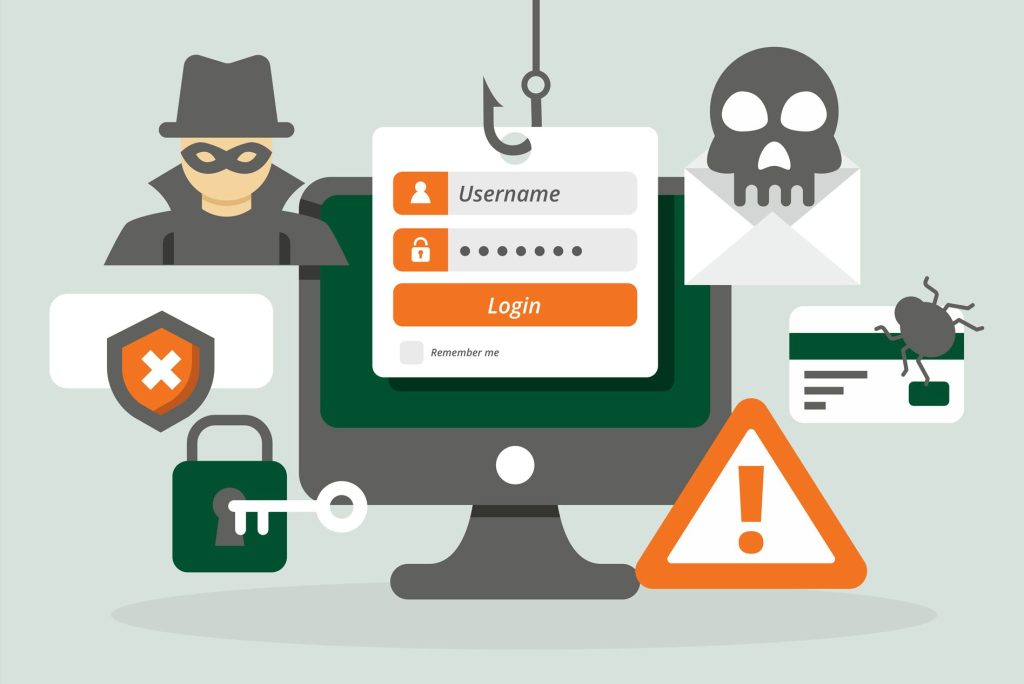
Phishing is one of the most serious threats in the digital environment, capable of causing significant consequences for both individuals and organizations:
- Theft of personal information:
When users provide information through fake emails or fraudulent websites, hackers can obtain email accounts, passwords, bank card numbers, and other sensitive personal data. This information may then be used for further fraudulent activities or sold on the black market. - Financial losses:
Hackers can carry out unauthorized transactions, transfer funds from victims’ accounts, or make online purchases using stolen card details. These losses are often difficult to recover, resulting in direct financial damage to users. - Loss of reputation and trust:
For businesses, if customers are deceived by spoofed emails or fake websites impersonating the company, the organization’s reputation and customer trust can be severely damaged. This may lead to reduced revenue and long-term brand harm.
Numerous large-scale data breaches related to phishing have resulted in losses of millions of dollars and caused serious reputational damage to organizations. For example, several banks and major companies have had to notify customers to change their passwords en masse after hackers used phishing emails to harvest login credentials.
In summary, phishing is not only a threat to personal data but also a danger to financial security and reputation for both individuals and organizations, underscoring the importance of recognizing and preventing such attacks.
6. Cách phòng tránh và bảo vệ bản thân
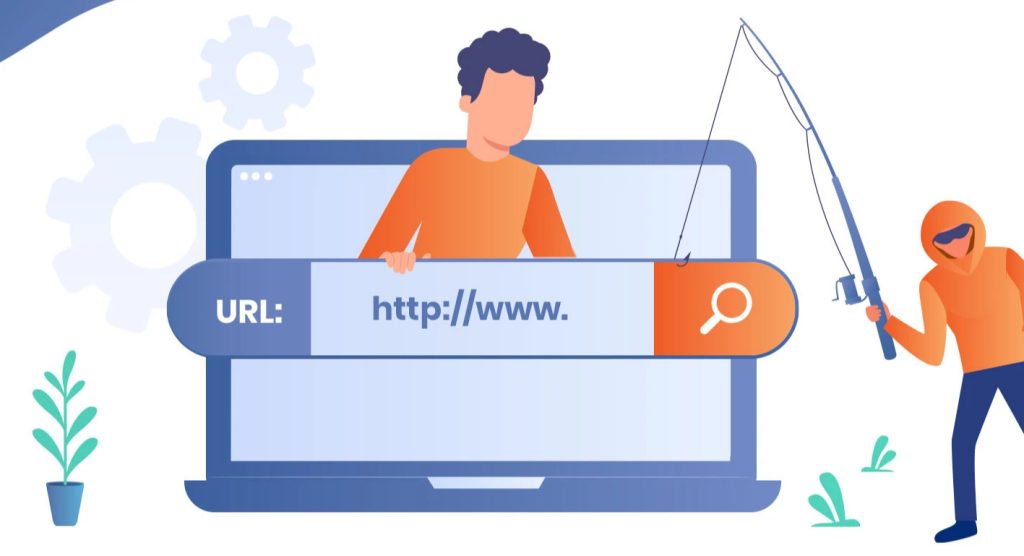
Preventing phishing is a crucial step in safeguarding personal information, online accounts, and digital assets. Below are several measures that I commonly apply and recommend:
Carefully check emails and URLs before clicking:
- Always hover your mouse over links to view the actual URL.
- Verify the sender’s email address and avoid clicking emails from unknown sources or domains that do not match the legitimate organization.
- Do not open attachments from untrusted sources, especially files such as .exe, .zip, or .doc files with macros.
Use two-factor authentication (2FA): Enable 2FA for important accounts such as email, banking, and social media. Even if hackers obtain your password, the second authentication step can prevent unauthorized access.
Regularly update software and operating systems: Security patches in updates help prevent hackers from exploiting vulnerabilities in browsers, email clients, or operating systems. This is a simple yet highly effective way to reduce risk.
Use anti-phishing tools and browsers with warning features: Security extensions or software can alert you when accessing fake websites or clicking on dangerous emails. Make sure to use reliable browsers and reputable security software.
Educate yourself and those around you: Understanding phishing warning signs and sharing this knowledge with family and friends helps everyone stay protected. Discuss suspicious emails, questionable links, or unusual requests before taking action.
These measures are not overly complex, but when applied consistently, they can significantly reduce the risk of phishing attacks and help protect personal information.áp dụng đồng bộ sẽ giúp giảm thiểu đáng kể nguy cơ bị tấn công phishing và bảo vệ an toàn thông tin cá nhân.
7. Xu hướng phishing hiện nay
Phishing continues to evolve, becoming more sophisticated and diverse over time. Below are some prominent current trends:
The rise of mobile phishing: With the widespread use of smartphones, hackers are shifting attacks toward SMS (smishing) and mobile applications. Fake messages or in-app notifications may prompt users to click links or download files, increasing the risk compared to traditional email phishing.
AI-powered phishing: Artificial intelligence is being used by hackers to create more sophisticated phishing emails and fake websites, closely mimicking real language, tone, and presentation. This makes distinguishing phishing emails from legitimate ones more difficult than ever.
Social media phishing: Hackers exploit personal information from social media to target victims more precisely. For example, they may create fake technical support chatbots or impersonate friends and colleagues on platforms such as Facebook or LinkedIn to trick users into providing usernames, passwords, or other sensitive information.
Overall, modern phishing trends no longer rely solely on email but have expanded to mobile platforms, social media, and AI-driven techniques, requiring users to remain vigilant and continuously update their knowledge of preventive measures.
8. Conclusion
Phishing is one of the most common online threats, exploiting both human psychology and technological techniques to deceive users into providing sensitive information. Today, phishing mainly occurs via email but has also expanded to mobile platforms, social media, and AI-driven methods. The consequences of phishing are severe, including the theft of personal data, financial losses, and reputational damage for both individuals and organizations. Fortunately, through vigilance, recognizing warning signs, checking emails and URLs, enabling two-factor authentication (2FA), and keeping software up to date, these risks can be reduced. Understanding attack mechanisms and applying preventive measures are key to protecting personal information. Phishing also serves as a reminder that knowledge and safe habits are the strongest defenses in today’s digital world.
9. References
[1] A. Jakobsson and S. Myers, Phishing and Countermeasures: Understanding the Increasing Problem of Electronic Identity Theft. Hoboken, NJ: Wiley-Interscience, 2006.
[2] R. K. Thomas, “Phishing exposed,” IEEE Security & Privacy, vol. 2, no. 1, pp. 24–30, Jan.-Feb. 2004, doi: 10.1109/MSP.2004.1265544.
[3] C. Herzberg and A. Jbara, “Security and identification indicators in phishing attacks,” Proc. 14th Int. Conf. Financial Cryptography and Data Security, pp. 41–50, 2010.
[4] Symantec, “Internet Security Threat Report 2023,” Symantec Corporation, 2023. [Online]. Available: https://www.broadcom.com/company/newsroom/press-releases
[5] Federal Trade Commission (FTC), “How to Recognize and Avoid Phishing Scams,” 2023. [Online]. Available: https://www.consumer.ftc.gov/articles/how-recognize-and-avoid-phishing-scams