Memory is one of the foundational components of any computer system. When we use a computer for web browsing, document editing, programming, gaming, or running small AI models, memory determines responsiveness, multitasking capability, and the overall user experience. Within the memory system, there are two main “players” that are often confused: RAM (Random Access Memory) and ROM (Read-Only Memory). Together, they support the CPU by holding temporary data or storing essential boot instructions.
In this article, we will clearly examine the concepts, structure, functions, classifications, and comparisons of RAM and ROM, as well as the factors affecting performance and practical recommendations for optimization and device maintenance. Let us begin.
1. Overview of Computer Memory
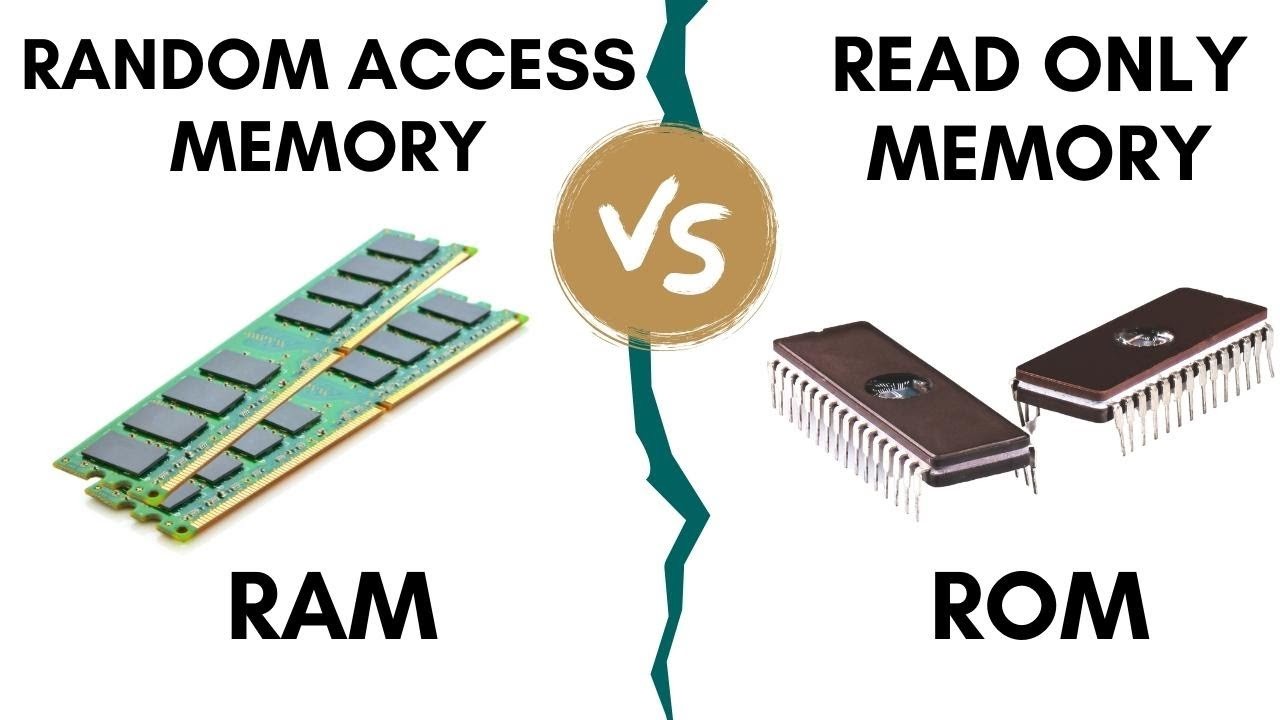
Memory in a computer is the component that stores data and programs to support the CPU during processing. It can be temporary (such as RAM, where data is lost when the computer is powered off) or permanent (such as ROM, where data is retained).
An important point is to distinguish between memory and storage:
- Memory (RAM/ROM): used directly in the CPU’s processing tasks, with extremely fast access speeds but usually smaller capacity.
- Storage (SSD/HDD): used for long-term data storage, with much larger capacity but slower access speeds.
Structurally, both RAM and ROM belong to the category of internal memory, which is mounted directly on the motherboard or integrated into controller chips. When a computer is operating, the CPU continuously reads from and writes to RAM to execute programs, while ROM stores fixed instructions that enable the system to boot, such as BIOS or UEFI.
Two key factors that affect memory performance are access speed (read/write speed) and available capacity. A system with fast memory and sufficient capacity enables smoother task execution, reduces waiting time, and significantly improves the user experience.
2. RAM – Random Access Memory
2.1 Concept and Characteristics
RAM (Random Access Memory) is a type of memory that allows the CPU to access any memory location randomly with nearly uniform access time, rather than sequentially as with disk storage. A defining characteristic of RAM is its volatile nature, meaning that the data stored in RAM is erased when the power is turned off.
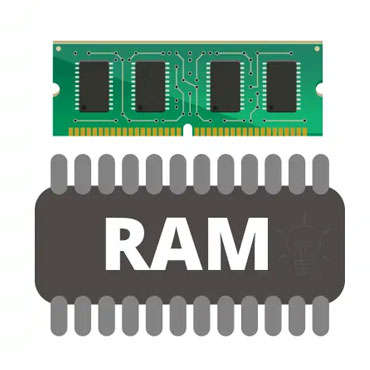
Simply put, when you open an application, the operating system loads the necessary files from storage into RAM so that the CPU can access them more quickly, allowing the program to run smoothly and respond instantly.
2.2 Structure and Operating Principles
RAM is composed of millions of memory cells arranged in rows and columns, with each cell storing one bit of data (0 or 1). The CPU communicates with RAM through the memory controller and data buses — these are the “pathways” that enable data transfer back and forth.
When you launch a program, the CPU loads instructions and data from storage (SSD/HDD) into RAM, then accesses, processes, and temporarily stores results there. Thanks to much faster read/write speeds compared to storage, RAM enables the system to respond almost instantly when executing commands.
2.3 Common Types of RAM
- SRAM (Static RAM): Stores data using transistors, does not require refreshing, offers very high speed, and is typically used for CPU cache. However, it is expensive and has limited capacity.
- DRAM (Dynamic RAM): Requires periodic refreshing to retain data, is cheaper, and is commonly used as the main system memory.
- SDRAM (Synchronous DRAM): Operates in synchronization with the CPU clock, improving performance.
- DDR (Double Data Rate) RAM: Each generation (DDR → DDR2 → DDR3 → DDR4 → DDR5) improves speed, bandwidth, and power efficiency. Currently, DDR4 and DDR5 are the most widely used standards.
- LPDDR (Low Power DDR): A power-efficient variant commonly used in laptops and mobile devices.
2.4 Factors Affecting RAM Performance
RAM performance depends on several factors:
- Capacity (GB): Determines multitasking capability; higher capacity reduces reliance on virtual memory.
- Frequency/Bandwidth (MHz): The data transfer speed between RAM and CPU; higher frequency enables faster processing.
- Latency (CAS Latency – CL): The delay before data access; lower CL means faster response.
- Channels: Using dual-channel or quad-channel configurations significantly increases bandwidth.
- Voltage and timing: Affect system stability and overclocking potential.
How to choose suitable RAM:
- If you work with programming, graphics, or virtual machines, prioritize capacity (at least 16GB).
- If you play games or handle heavy multitasking, choose high-frequency RAM (3200MHz or higher) and a dual-channel setup to optimize overall performance.
3. ROM – Read-Only Memory
3.1 Concept and Characteristics
ROM (Read-Only Memory) is a type of memory with a non-volatile nature, meaning the data stored in ROM is retained even when the power is turned off. Unlike RAM, ROM is not used for temporary data processing but for storing fixed programs – typically essential code required to initialize and control hardware during system startup
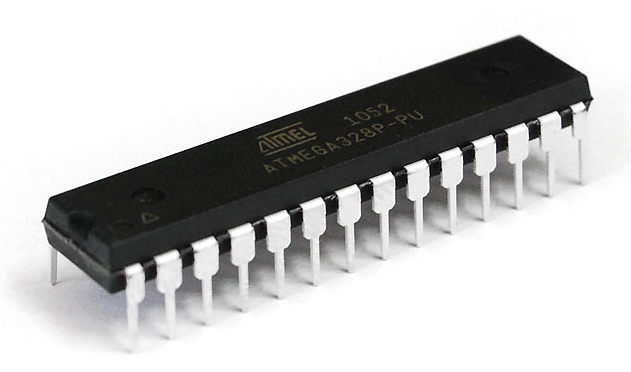
Simply put, ROM is like a “user manual” that the computer reads as soon as it starts up to know what to do next – for example, identifying the boot device, checking memory, or loading the operating system. Because the data in ROM is stored permanently and changes very rarely, it is highly stable and not affected by power loss or software errors.
3.2 Types of ROM
ROM has several variants that have evolved over time to increase flexibility in writing and erasing data:
- Mask ROM: Data is permanently embedded in the chip during manufacturing. It cannot be modified and is commonly used in mass-produced consumer devices.
- PROM (Programmable ROM): Allows data to be written only once after manufacturing. To make changes, the chip must be replaced.
- EPROM (Erasable PROM): Can be erased using ultraviolet (UV) light through a small window on the chip, then reprogrammed with new data—representing a major step forward in reusability.
- EEPROM (Electrically Erasable PROM): Can be erased and rewritten electrically without UV light. This makes updates easier and is widely used in devices that need to store configuration data.
- Flash ROM (Flash Memory): An optimized form of EEPROM that can be erased and written in blocks. Flash memory is used in BIOS/UEFI, USB drives, SSDs, and microcontrollers.
3.3 ROM in Modern Computers
Today, traditional ROM has been almost completely replaced by Flash Memory – a type of memory that allows flexible read/write operations while maintaining the stability associated with ROM.
When a computer is powered on, the CPU or chipset first reads firmware code from ROM. This code controls the hardware initialization process, performs POST (Power-On Self-Test) to check components, and then loads the bootloader or operating system loader from the hard drive or SSD.
This means that even though RAM is empty before power is supplied, ROM still “remembers” everything necessary for the system to know how to start. As a result, ROM plays a foundational role in ensuring system startup and hardware control, enabling computers to operate in a stable and reliable manner.
In summary: ROM is like the computer’s “subconscious mind” – it retains core instructions even when the system is powered off, ensuring that everything can start up correctly each time the machine is turned on.
4. Comparison Between RAM and ROM
| Criteria | RAM | ROM |
|---|---|---|
| Function | Temporarily stores data while programs are running | Stores boot programs/firmware |
| Volatility | Yes (data is lost when powered off) | No (data is retained when powered off) |
| Speed | Very fast | Slower than RAM (depending on type) |
| Read/Write Capability | Easy to read/write, frequent operations | Limited, depending on type (Flash can be rewritten) |
| Applications | Running programs, buffering, cache | BIOS/UEFI, firmware, bootloader |
5. RAM and ROM in Current Technology Trends
Along with the development of AI, graphics, and cloud computing, RAM and ROM are evolving rapidly to meet the growing demands for data processing.
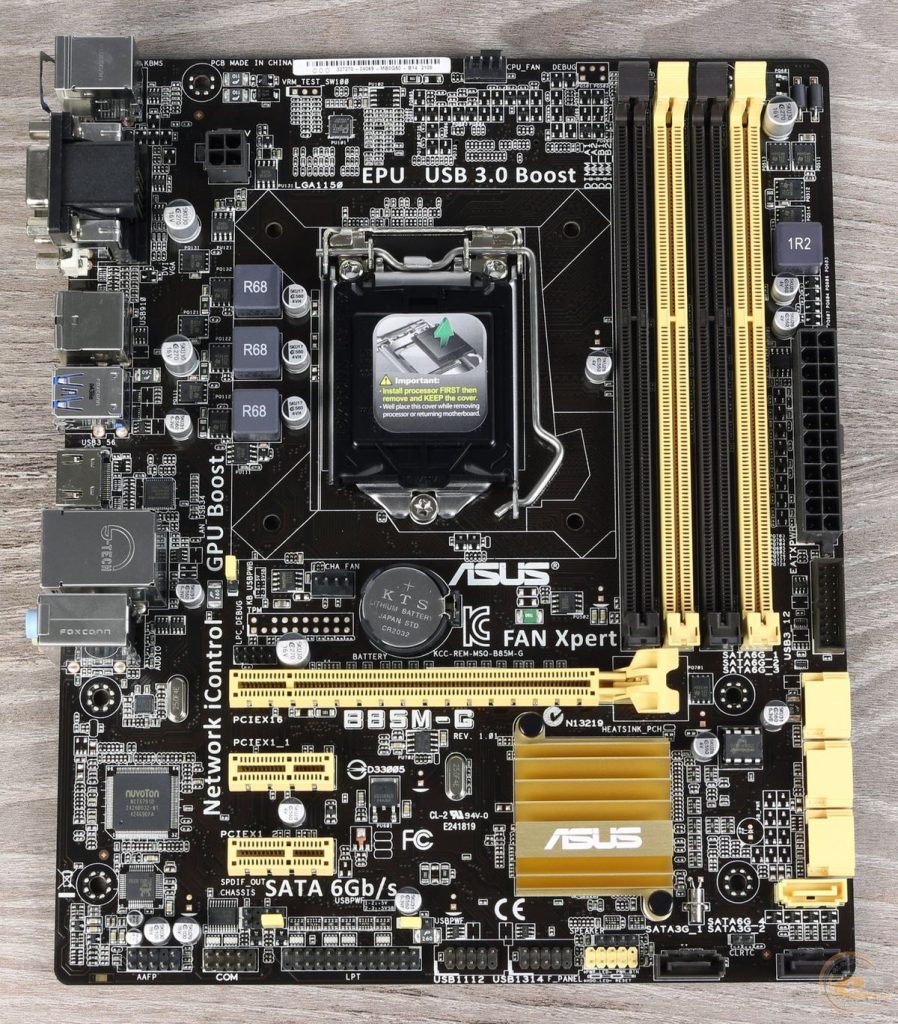
First, RAM is continuously increasing in capacity and bandwidth. Standards such as DDR5 and LPDDR5X improve speed while reducing power consumption, making them well suited for high-performance computers and mobile devices.
For ROM, modern systems have largely shifted to flash-based firmware, using UEFI instead of the traditional BIOS. This enables faster boot times and easier software-based updates, rather than requiring hardware intervention.
In addition, emerging technologies such as NVRAM, MRAM, and ReRAM are being researched to combine the speed of RAM with the long-term data retention of ROM, potentially blurring the boundary between these two types of memory in the future.
Furthermore, Unified Memory Architecture (UMA) is becoming increasingly common in modern chips, allowing the CPU and GPU to share a single memory pool. This reduces data copying overhead and improves overall processing performance.
6. Optimizing and Maintaining RAM and ROM in Use
To ensure stable and long-lasting system operation, optimizing RAM and maintaining ROM (firmware) are very important. Below are some effective practices that I often apply.
6.1 Optimizing RAM
RAM directly affects computer performance, especially when you are multitasking or running resource-intensive applications.
- Reduce background applications: Each background program consumes a portion of memory. Closing or disabling unnecessary applications (via Task Manager) helps free up RAM and reduces CPU load.
- Use virtual memory appropriately: The swap/pagefile feature allows part of the storage drive to be used as temporary memory when RAM is full. However, this slows down processing speed, so it should only be used when physical RAM capacity is limited.
- Leverage dual-channel memory: If the motherboard supports it, install RAM in pairs (for example, 2×8GB instead of 1×16GB). This effectively doubles memory bandwidth and improves overall performance.
- Check for RAM errors periodically: Faulty RAM can cause crashes, system errors, or data loss. Use tools such as MemTest86 to test RAM if problems are suspected.
- Upgrade when necessary: If you frequently run virtual machines, do programming work, or handle graphics tasks, consider upgrading RAM to 16GB or 32GB to ensure a smooth experience.
6.2 Maintaining ROM / Firmware
ROM (or firmware) functions as the “brain” that controls hardware, so its maintenance and updating must be handled with great care.
- Update BIOS/UEFI correctly: Only perform updates when there are critical issues or when support for new hardware is required. Always download the correct version from the manufacturer’s official website.
- Back up configuration settings before updating: Some updates may change system settings. Backups make it easier to restore configurations if problems occur.
- Ensure a stable power supply: When flashing firmware, an unexpected power outage can cause serious system failure. Make sure the battery is sufficiently charged or use a UPS to avoid this risk.
Optimizing RAM and protecting ROM not only help computers run faster but also extend hardware lifespan and reduce the risk of system failures and unnecessary data loss.
7. Conclusion
RAM and ROM are two critical components in computer memory architecture, jointly ensuring stable and efficient system operation. RAM is responsible for temporarily storing data and running programs, enabling the CPU to access information quickly and process tasks flexibly. Meanwhile, ROM stores fundamental instructions for system startup and hardware control, ensuring that the computer can operate immediately upon power-on.
Understanding the characteristics, structure, and optimization of RAM and ROM helps users choose configurations that match their needs while maintaining stable performance during use. In today’s technological landscape, with the emergence of DDR5, LPDDR5X, UEFI, and NVRAM, the boundary between volatile and non-volatile memory is gradually narrowing, opening new directions for computer performance development.
Mastering knowledge about RAM and ROM not only helps maximize the use of existing hardware but also provides a solid foundation for gaining deeper insight into how computers operate at the system level.
8. References
[1] D. A. Patterson and J. L. Hennessy, Computer Organization and Design: The Hardware/Software Interface, 5th ed. San Francisco, CA: Morgan Kaufmann, 2021.
[2] W. Stallings, Computer Organization and Architecture: Designing for Performance, 11th ed. Boston, MA: Pearson, 2019.
[3] T. Sharma, “Understanding the Difference Between RAM and ROM,” TechTarget, 2023. [Online]. Available: https://www.techtarget.com/searchstorage/definition/RAM-vs-ROM
[4] Kingston Technology, “DDR5 vs DDR4: Key Differences and Performance Benefits,” Kingston Blog, 2024. [Online]. Available: https://www.kingston.com
[5] Intel Corporation, “Understanding BIOS, UEFI, and Firmware Updates,” Intel Support, 2024. [Online]. Available: https://www.intel.com
[6] Micron Technology, “Next-Generation Memory Technologies: MRAM, ReRAM, and NVRAM Explained,” Micron Whitepaper, 2023. [Online]. Available: https://www.micron.com